.png)


Working on the go usually comes with a quiet trade-off.
You gain flexibility, but lose space.
You gain movement, but sacrifice flow.
Trying to do real work on a single laptop screen often means juggling tabs, resizing windows, and constantly breaking concentration just to see what you’re doing.
A portable monitor doesn’t magically make work easier.
But when it’s set up well, it removes friction. That’s often what makes the biggest difference.
This article isn’t about buying the “best” screen.
It’s about setting up a mobile workspace that feels familiar, repeatable, and calm for wherever you happen to be working.
Start with how you actually work
Before you think about cables or compatibility, think about your day really looks like.
Do you spend time:
- Writing or reviewing documents while referencing data, emails, or research?
- Designing, editing, or building while managing assets, timelines, or feedback?
- Joining meetings while taking notes, tracking action items, or presenting ideas?
- Comparing versions, layouts, or numbers side by side without losing context?
- Switching between tools, platforms, and conversations (Often at the same time)?
- Travelling frequently and needing a setup that’s light, durable, and easy to pack?
Everyone’s need for mobility and performance looks different.
Some people prioritise lightness and speed. Others need precision and power. Most sit somewhere in between.
Knowing where you fall on that spectrum makes every setup decision easier.
Define What Actually Matters to You
Once you’re clear on how you work, the features you need become obvious.
Whether its touchscreen for illustrations and editing. Accurate colours for photography, film and media. Or simply extra screen space that can sit at an ergonomic height.
If you’re working outdoors or in bright rooms, remember to make sure your monitor's brightness is at least 300 nits. If you want to read more about screen brightness, check-out this article.
.png)
Find yourself the right screen and your setup will work with you, not against you.
Here's a quick guide on our product ranges to figure out which display suits your needs:
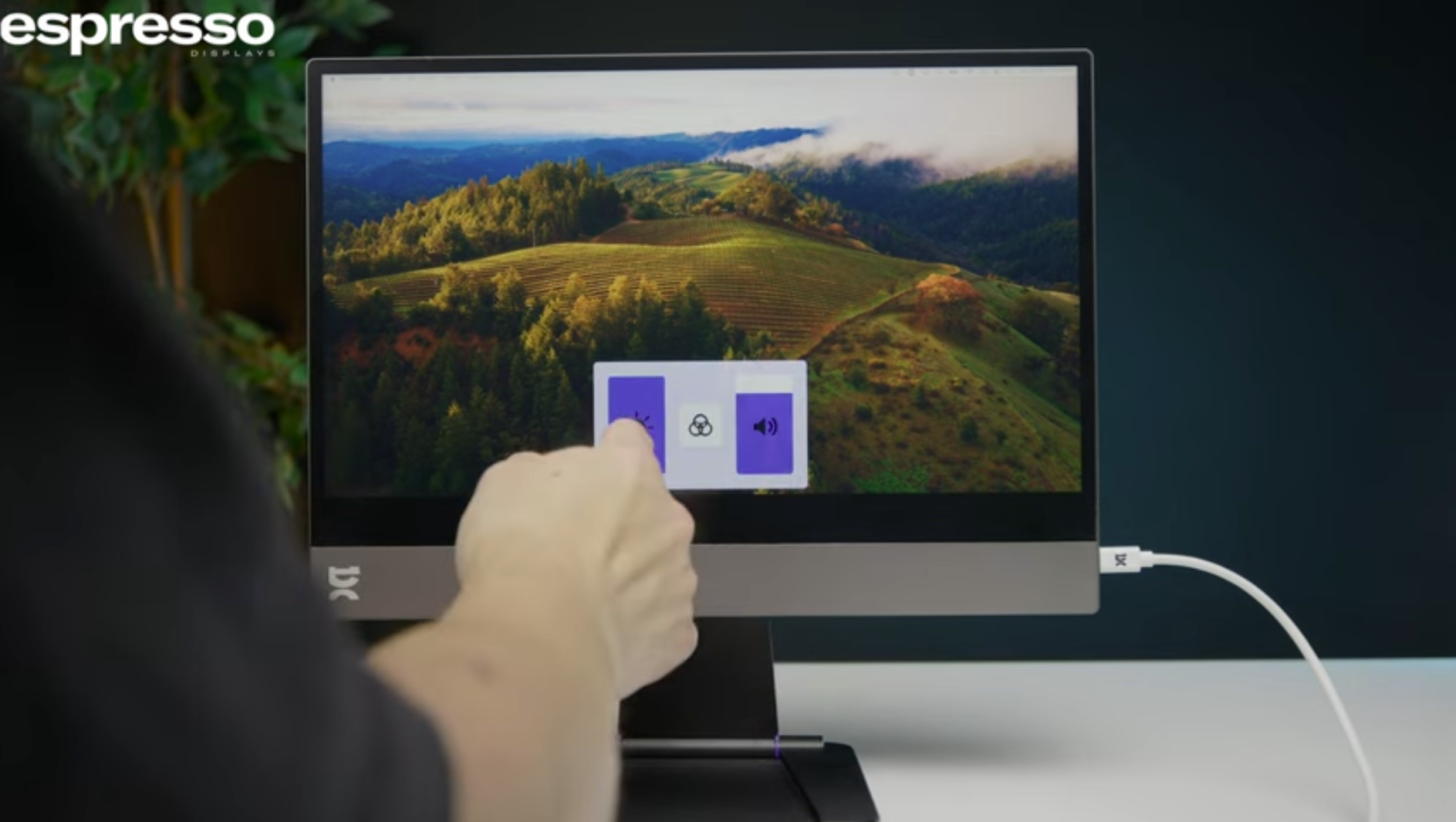
Espresso DIsplay - for when you just need extra screen space that's sleek and portable.
- 15.6" Display
- Premium aluminium build
- FHD1080p
- 300 nits brightness - recommended for indoor use
- 2x USB-C ports
- 100% sRGB (16.8 million colours)
- 10 to 20 ms Response Time
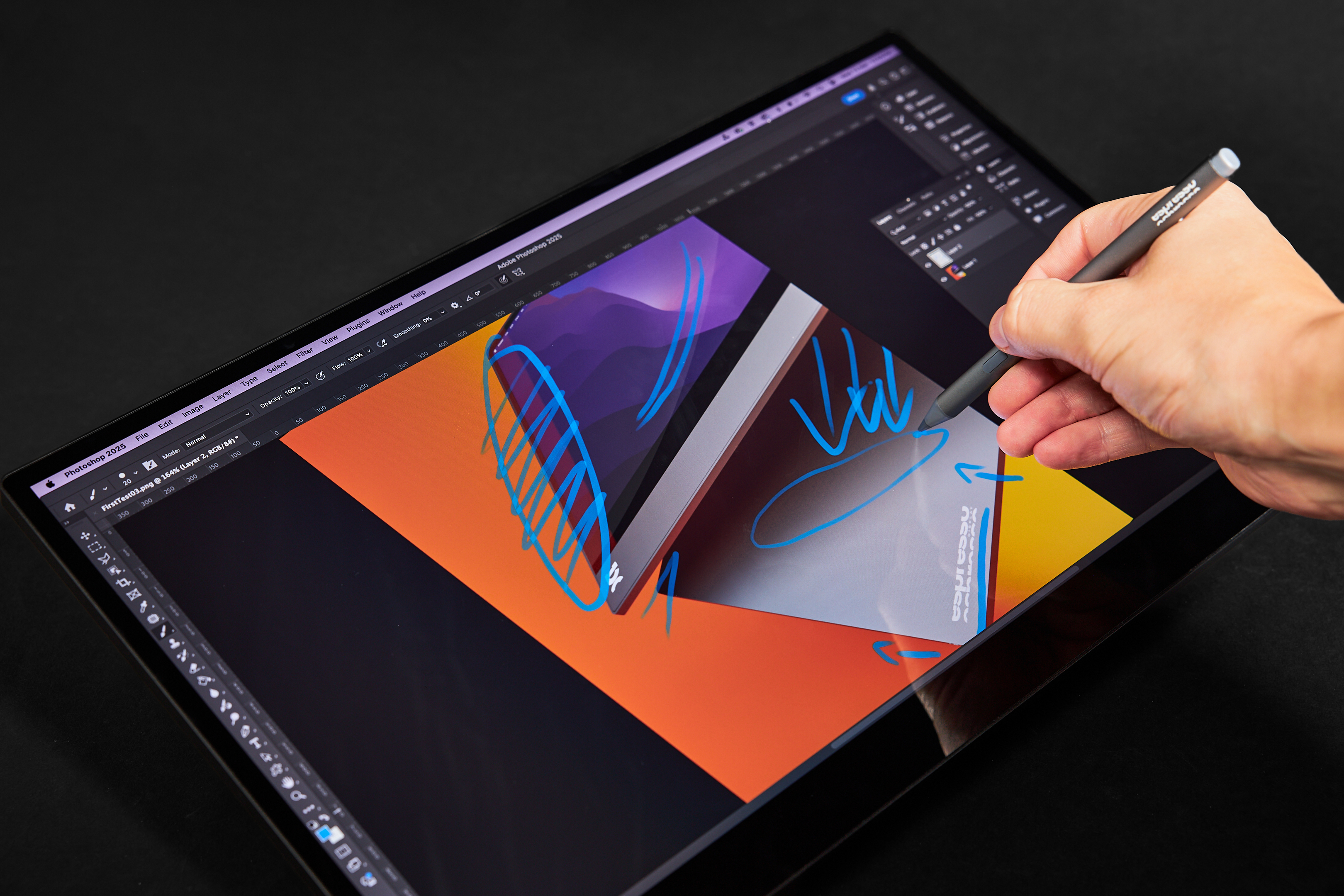
Espresso Touch: For a touchscreen that's pen compatible.
- Available in 13.3” and 15.6”
- Premium aluminium build
- FHD1080p
- Touchscreen for Mac and Windows
- Windows pen compatible
- 300 nits brightness - recommended for indoor use
- 2x USB-C ports
- 100% sRGB (16.8 million colours)
- 10 to 20 ms Response Time
Espresso Pro: More colours, bright enough for outdoor use, touchscreen, and 4k. The perfect companion for creative work.
- Available in 13.3” and 15.6”
- Premium aluminium build
- 4K 2160p
- 1.07 billion colours (100% Adobe RGB)
- Touchscreen for Mac and Windows
- Windows pen compatible
- 2x USB-C ports
- Super bright 550 nits brightness
- 9 ms Response Time
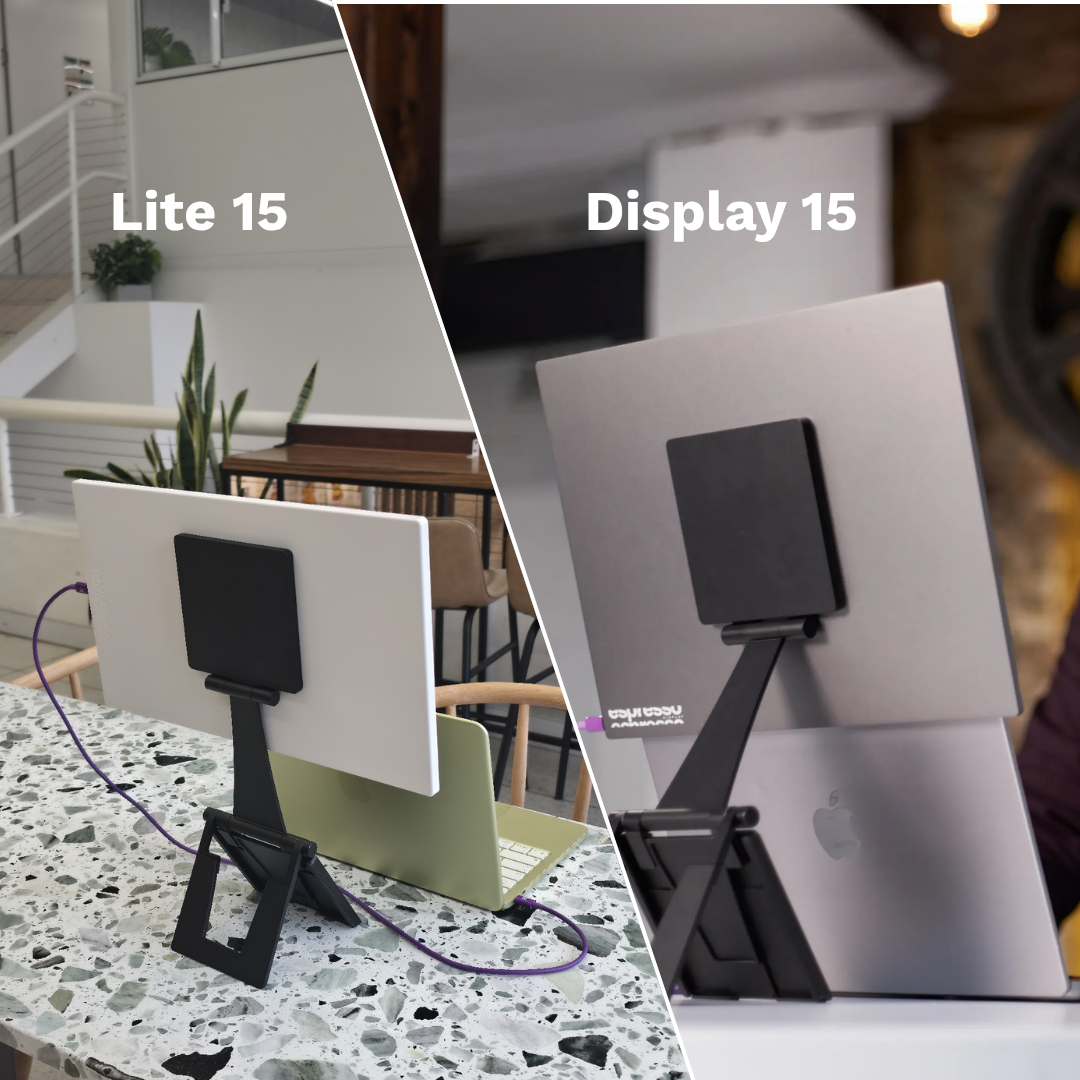
Espresso Lite - A great entry level portable monitor, built for daily movement without compromise on quality and performance.
- Our lightest 15.6” DIsplay with PC/ABS Plastic Build
- Available in 5 new colours: Mint, Purple, Orange, Black, and White.
- FHD1080p
- 400 nits - for comfortable viewing indoors or on the go.
- 100% sRGB (16.8 million colours)
- 9 ms Response Time
- Currently available on Amazon U.S. only.
Make Sure Your Laptop Can Support the Setup
Most modern laptops can handle an external display, but checking comfort saves frustration later.
- Look for USB-C ports that support video output (DisplayPort or Thunderbolt).
- Be aware that some laptop models limit the number of external screens.
Set It Up So It Feels Natural
Once connected, placement matters more than people expect. Small adjustments can make a big difference:
- Put reference material where your eyes naturally go
- Keep your primary work on your main screen
- Avoid forcing your neck or shoulders into awkward angles
- Align screen arrangement so your cursor moves intuitively
- Match text size across displays
- Reduce brightness when working long hours or on battery
A good setup disappears from your mind within minutes.
A bad one reminds you it’s there all day.
The Real Goal: Consistency
.png)
Yes, a portable monitor can boost productivity and performance.
But it's your setup that unlocks consistency,
When your workspace feels the familiar, whether you’re in a café, hotel, client office, or co-working space, your brain can focus on the work, and not on fixing your setup.
Consistency keeps work moving forward.
And when work keeps moving, you spend less time getting back into it, and more time fully immersed in it.
Still can’t find the perfect monitor?
If you’re exploring portable monitors, espresso Displays builds options designed specifically for mobile work. Lightweight, single-cable plug and play, and built to last. No pressure. The right setup is the one that supports how you work.
.ai.png)