

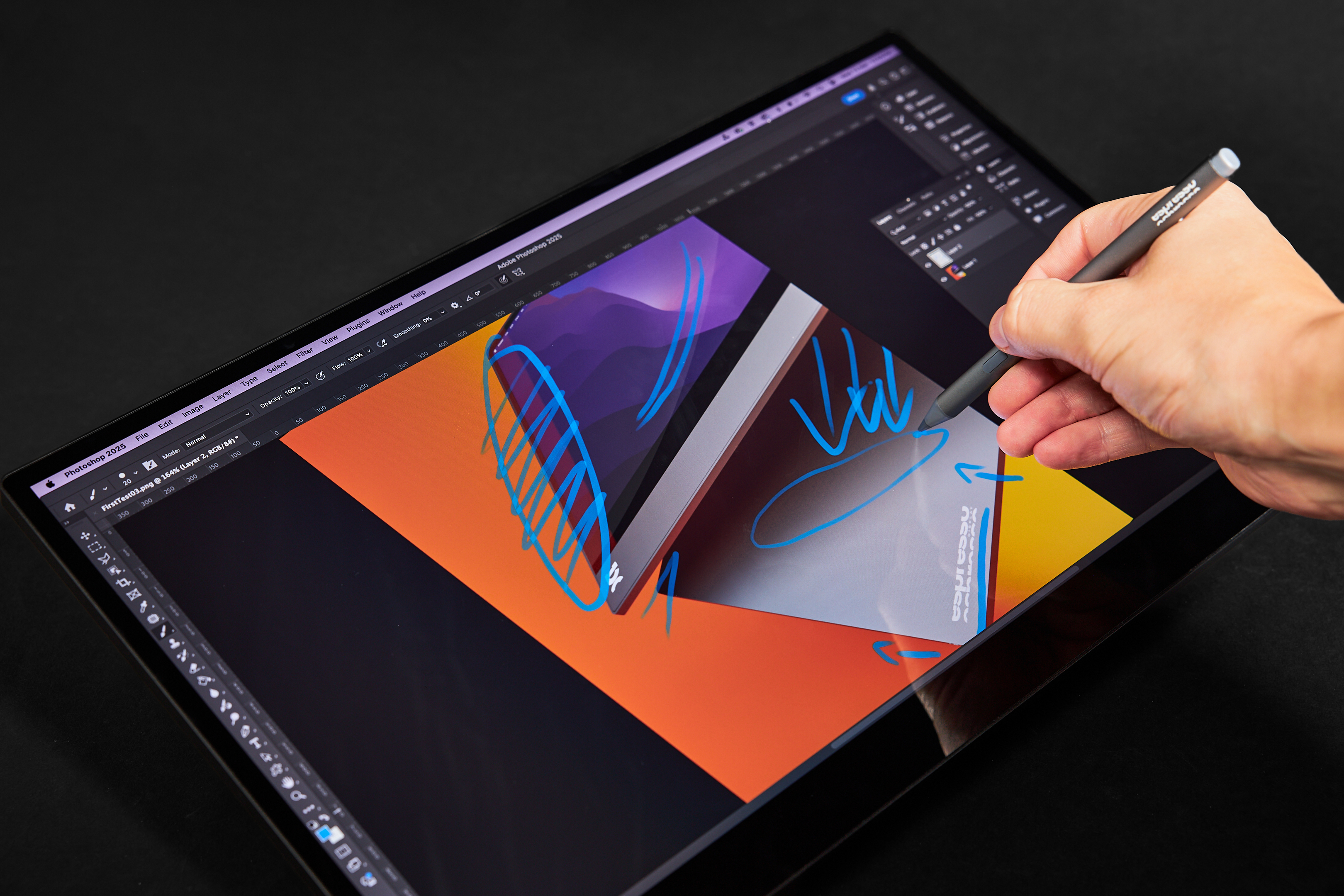


If touch function isn't working for your espresso Touch or Pro, you will need to reinstall the touch driver. This can be done via the espressoFlow app.
Simply open 'settings', the middle button on the top right. Then click 'Reinstall touch driver'. This can be seen below.

From here you will be prompted on the next steps.
If this does not fix the issue, please contact us at support@espres.so for assistance.
.ai.png)

.png)
